Quick Links
When making a Sim inThe Sims 4, you can pick from a variety of traits. As they spend more time in the world, they will also be able to gain new traits. For example, after completing an aspiration, you will obtain a related trait that stays with your Sim permanently.
Sometimes, you may want to remove a trait though. Thankfully, there are a few ways that you’re able to remove traits from your Sim; this includes using a potion as well as using some cheats. In this guide, we are going to go over how you can remove traits from your Sim.

How To Use The Re-Traiting Potion
The simplest way to remove a trait from a Sim is touse the Re-Traiting Potion.This is a reward from theSatisfaction Points reward storethatcosts 5,000 points.From this menu, scroll until you see the potion and purchase it.
With the cheat “sims.give_satisfaction_points 5000”, you’re able to instantly gain enough points to buy the potion. The number of points can be changed if you want a specific amount of points.

This will allow you tochange any basic traits that your Sim has.If the Sim has any traits that were earned throughout their life,these cannot be changed.
How To Remove Traits With Cheats
If the potion isn’t enough for you, you may alsoremove traits with cheats.Below, we will take a look at all the cheats that you can use to do so.
Full Edit CAS
The first cheat involvesentering the Full Edit CAS menu.In normal CAS mode, you will be able to tweak general appearance, but not physical features or traits. With Full Edit mode though,everything can be changed as if you were making the Sim from scratch.
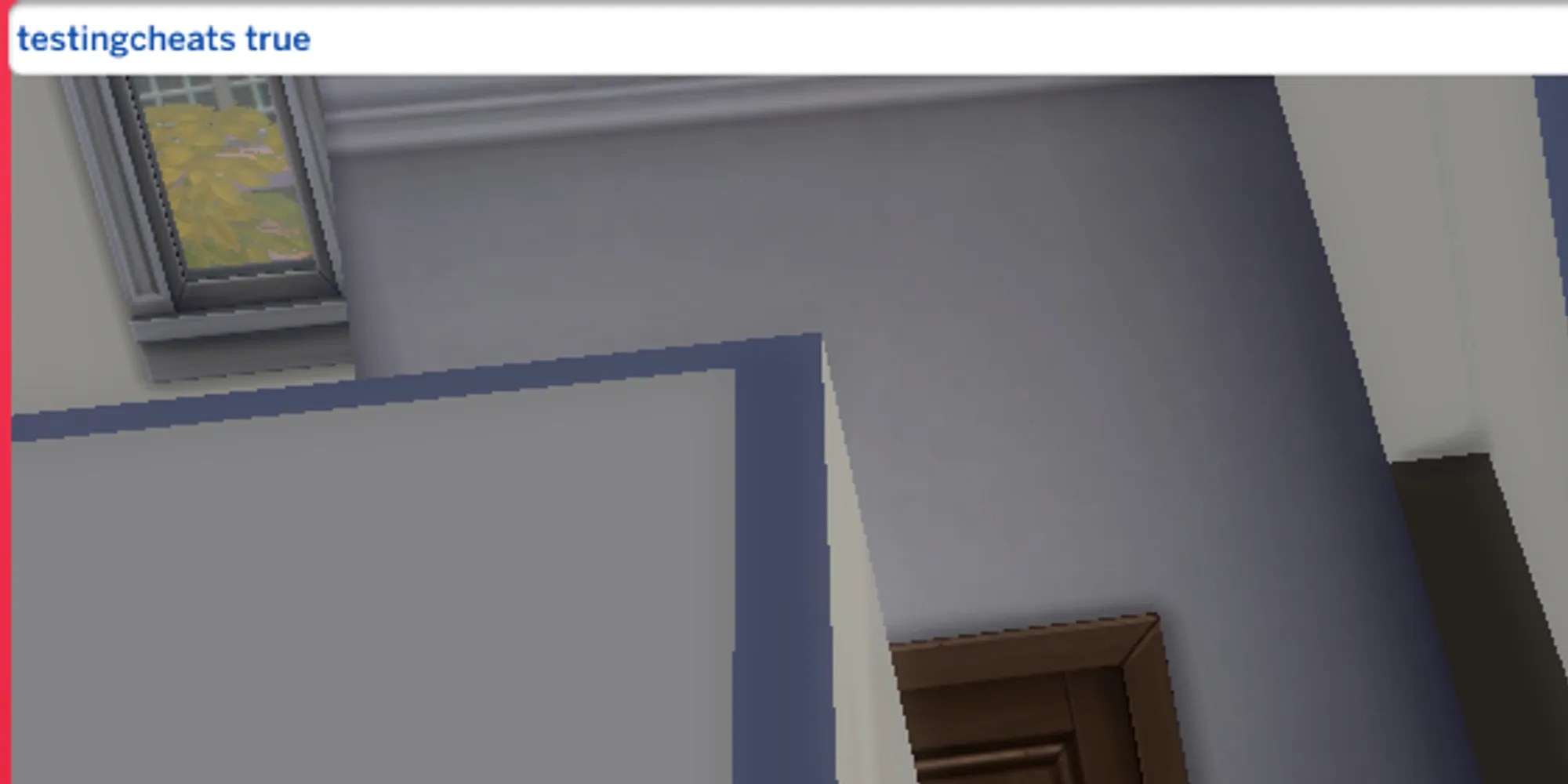
To enter Full Edit mode, enable cheats by pressing the following buttons depending on your platform of choice.
Console (Xbox and PlayStation)
All 4 Shoulder Buttons
From here, type"testingcheats on"in the box that appears; this will enable your ability to use cheats.
Now, it’s time to enter Full Edit mode. While in the game, type the following cheat into your command box.

Next, click on the Sim you want to edit whileholding down Shift (Circle + X on PlayStation, B + A on Xbox).A new menu will appear, and you can choose"Modify in CAS".Here, you can fully edit your Sim and change any trait that is shown.
Cheat To Remove Specific Traits
Lastly, let’s take a look at cheats used to remove specific traits. By using the following cheat, you canremove a specific trait while keeping the others.
To gain a trait, use"traits.equip_trait [traitname]“instead.
The trait names can be entered exactly as they appear, however, you will need toremove spaces in traits with multiple words.For example, to remove theChild of the Ocean trait,you will need to type in"traits.remove_trait ChildoftheOcean”.
